
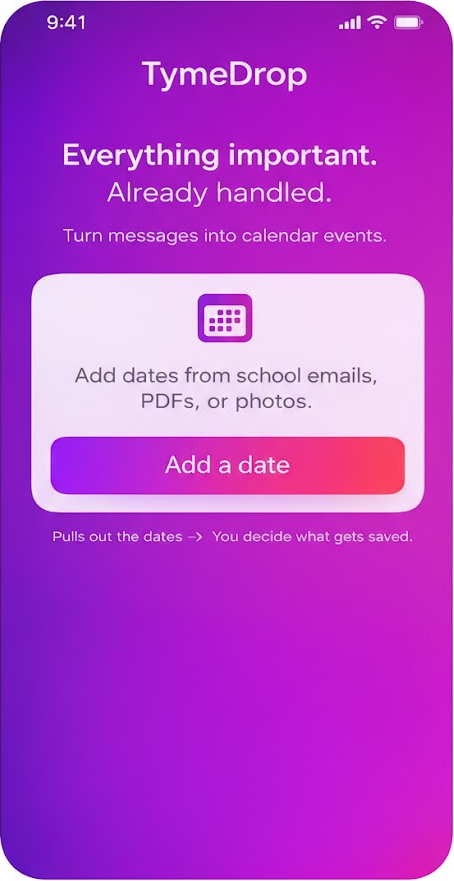
TymeDrop
Everything important.
Already handled.
TymeDrop pulls out dates from emails, messages, PDFs and photos — then lets you review and save them to your calendar. Nothing is added without your confirmation.
 No account · Privacy-first · Works with calendars on your iPhone
How it works
Extract dates from email, PDF and photo — then review before saving. Calm, quick, and always in your control.
1
Add a source
Paste a message, upload a PDF, or add a photo.
2
Review the dates
Adjust titles, times and details. Remove anything you don’t want.
3
Save to your calendar
Choose where it goes. Edit or remove events anytime later.
Android coming later
Want a heads-up when TymeDrop launches on Android?
Get notified
No spam. One email when it’s ready.